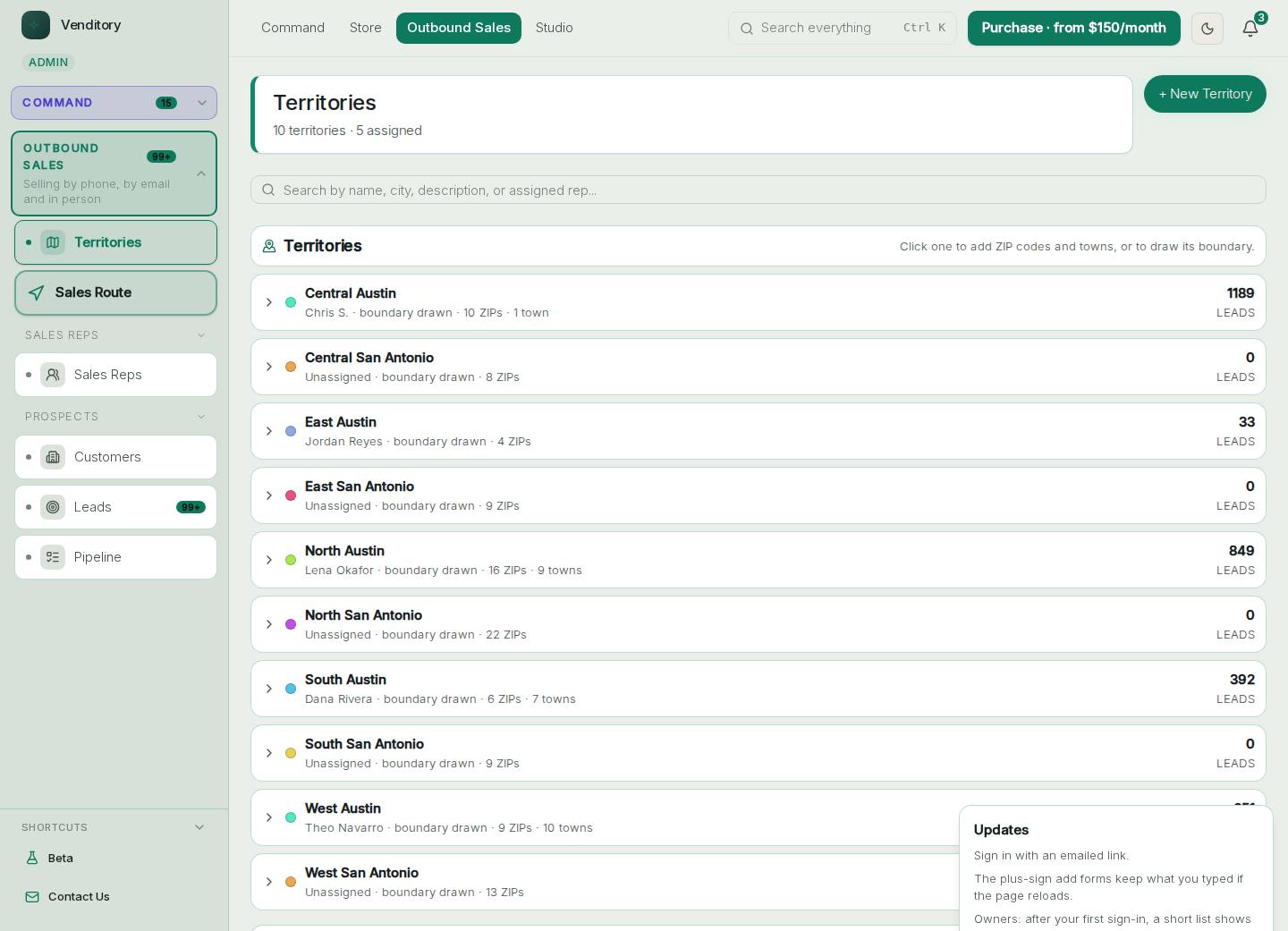
Command guide
Using Command
Every part of the business on one screen. Sign in at command.venditory.com, then follow the steps below.
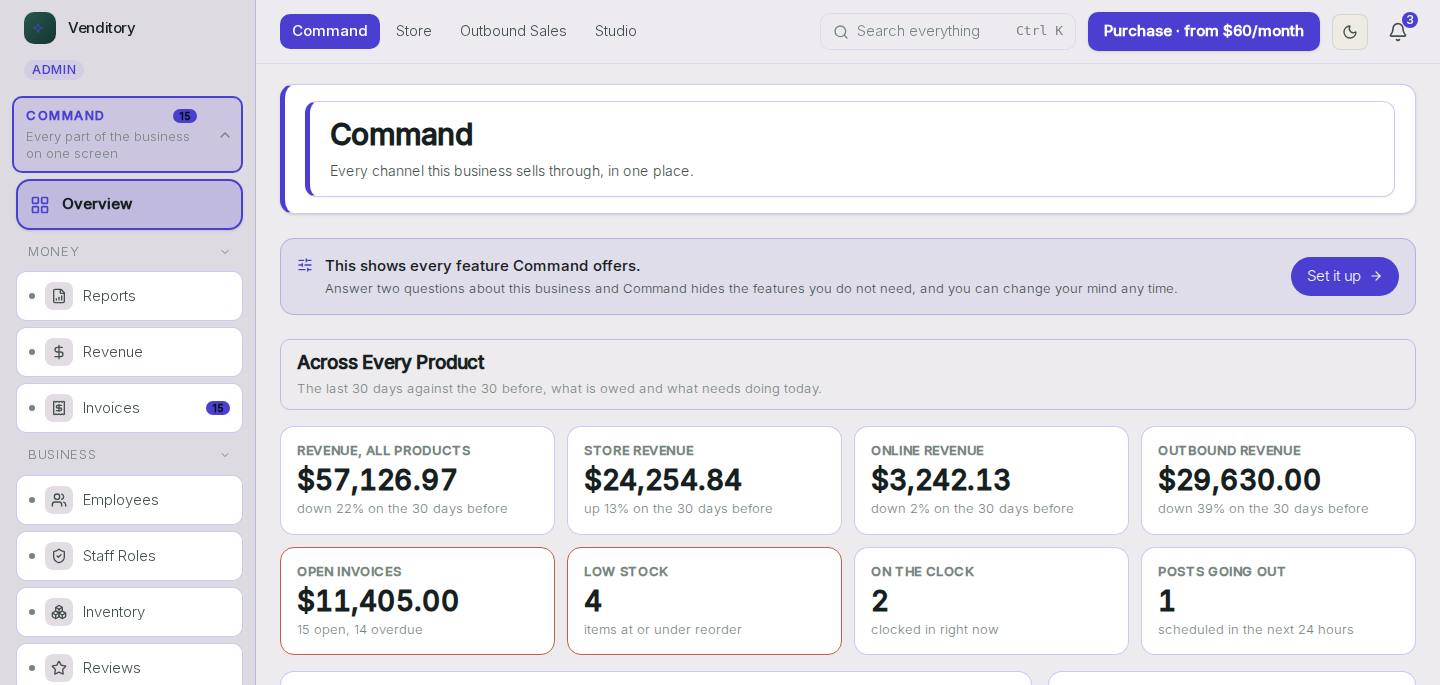
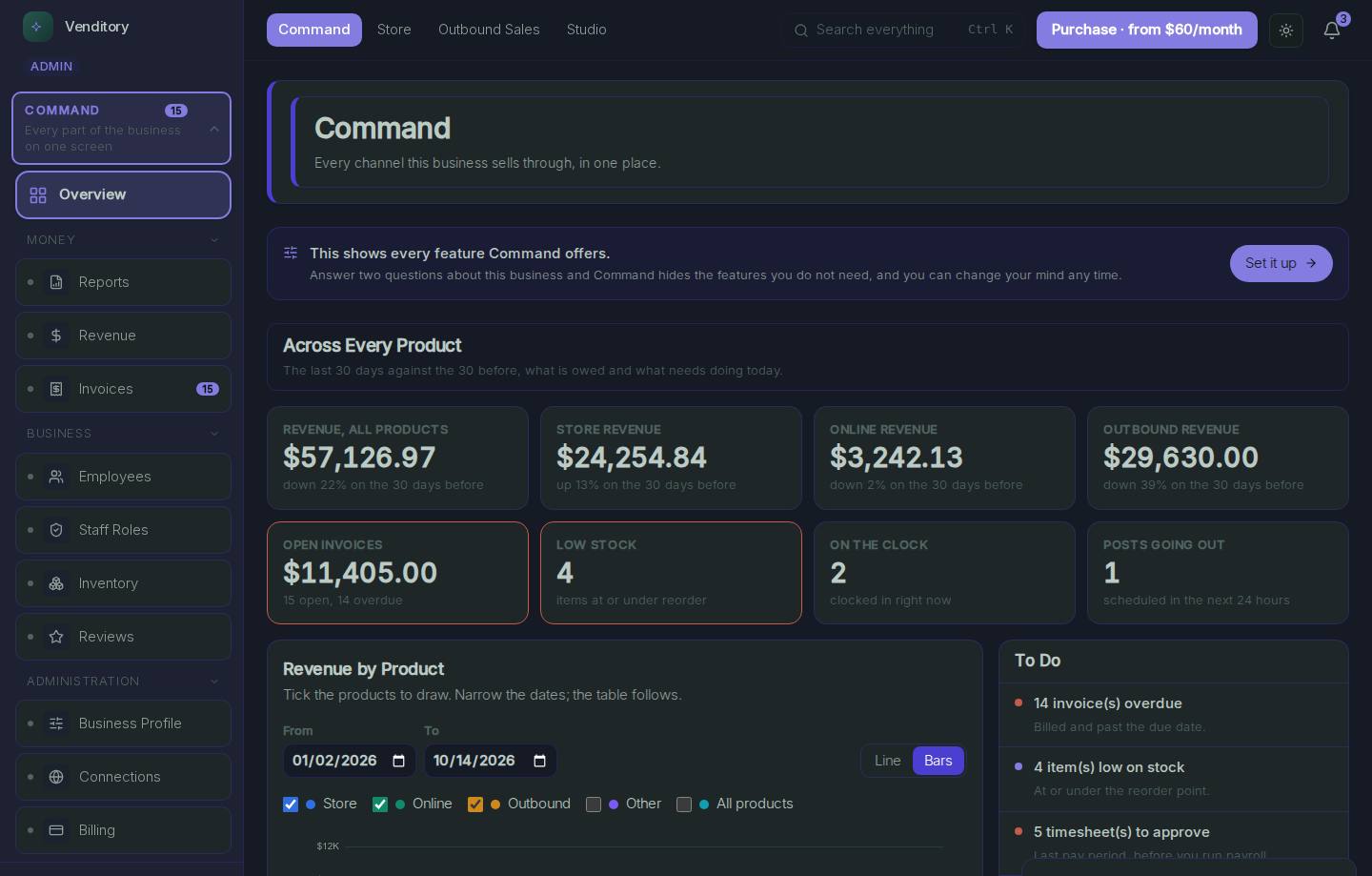
Money Overview
Every channel's sales on one screen.
- Money Overview: Sales from every channel, what is owed to you and what is coming in.
- Search, at the top of the screen: Find a customer, an invoice or a product by name.
- Alerts, at the top of the screen: Anything that needs you shows up here.
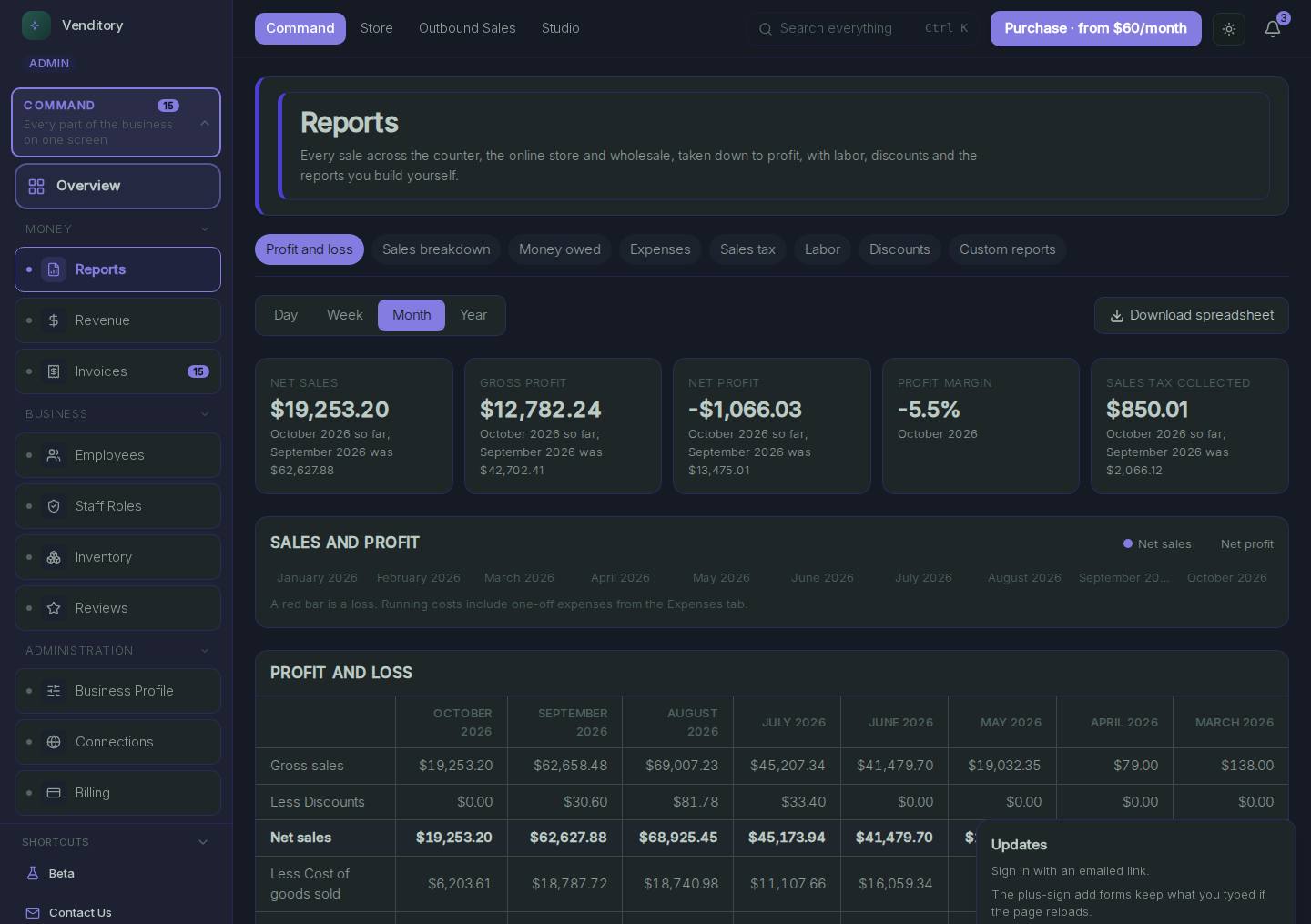
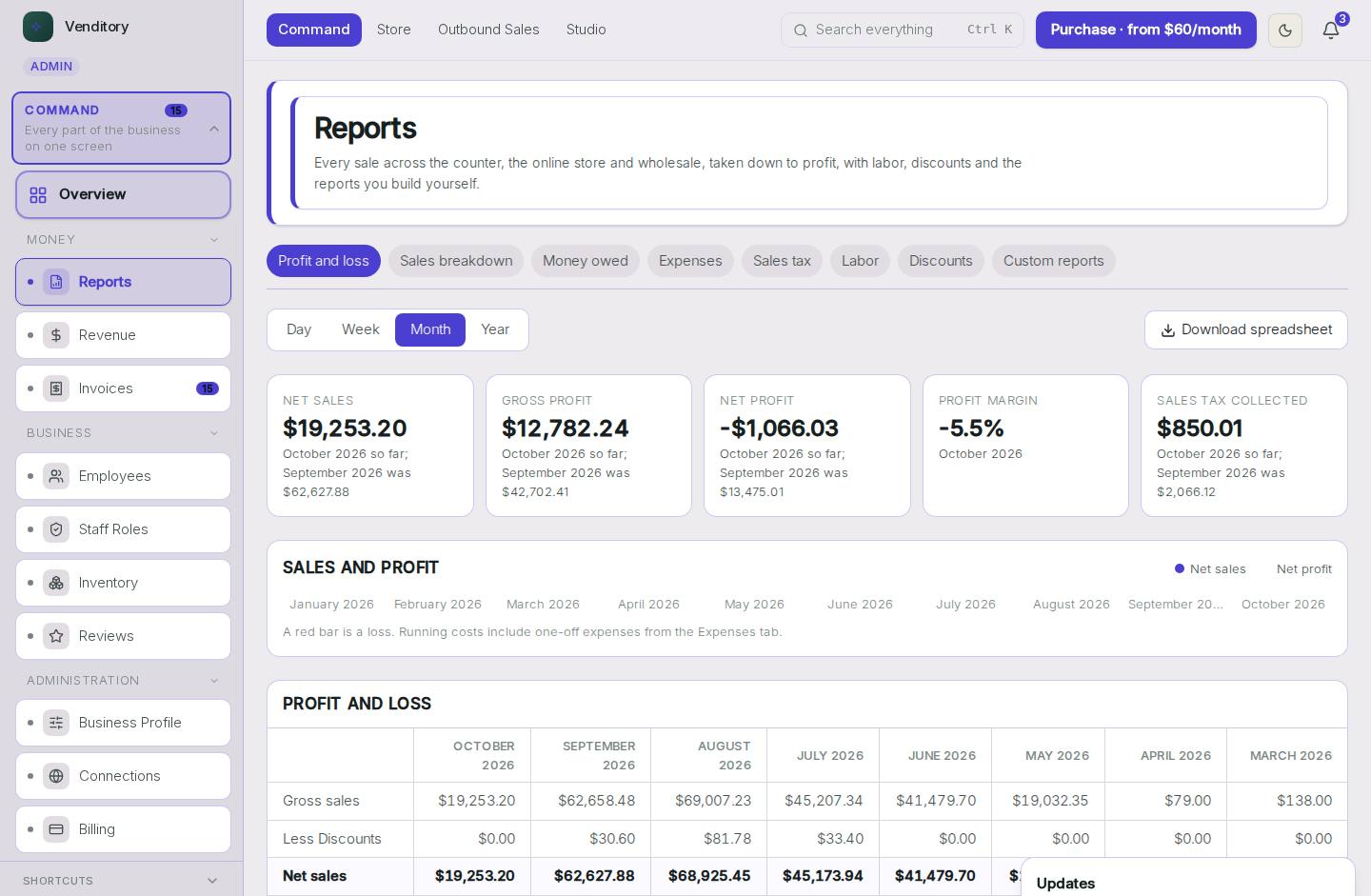
Reports
Sales by day, product, rep and store.
- Reports, in the menu on the left: Every report lives here.
- Reports: Pick a report, set the dates and export it.
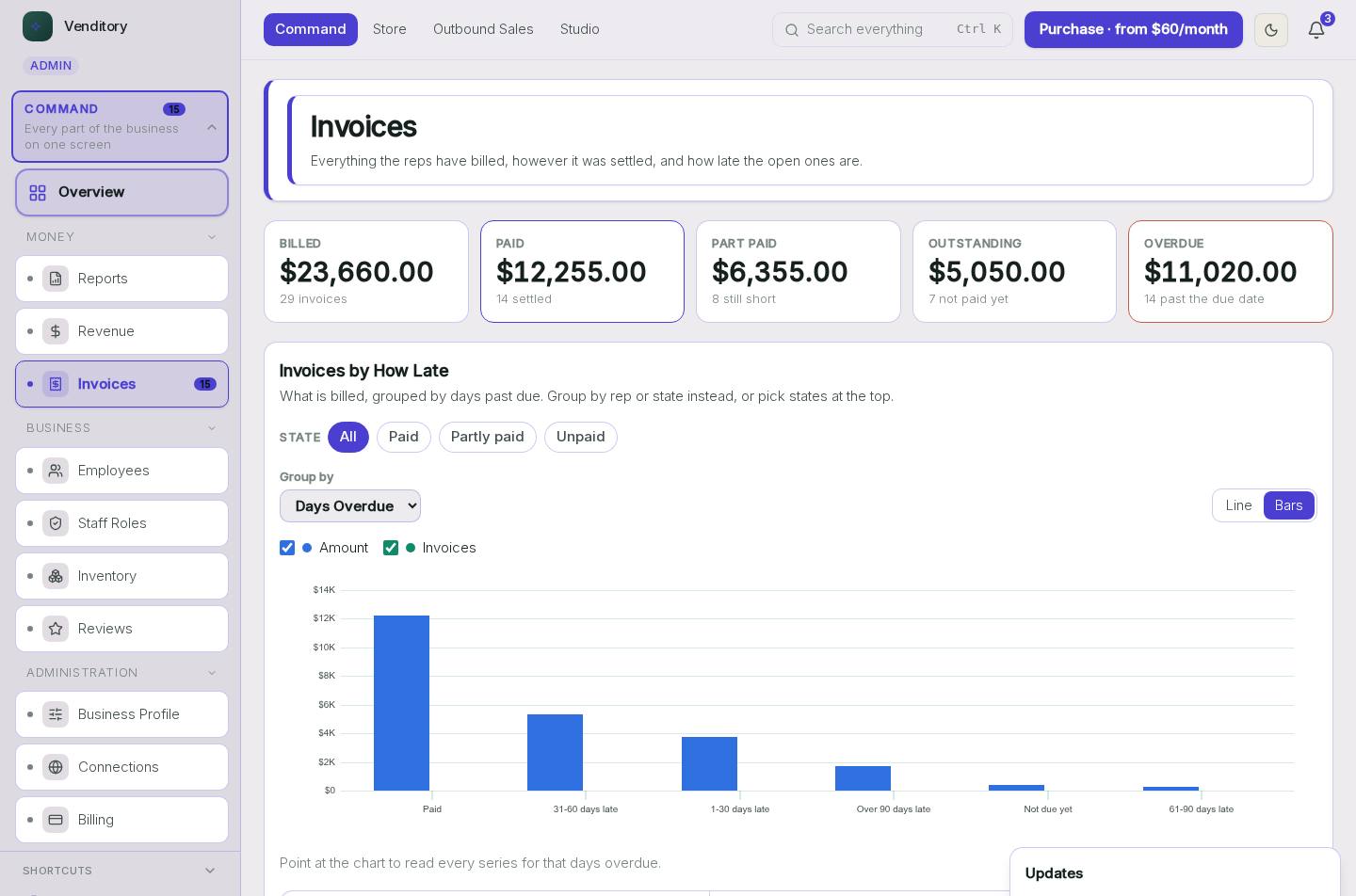
Invoices
What is paid and what is late.
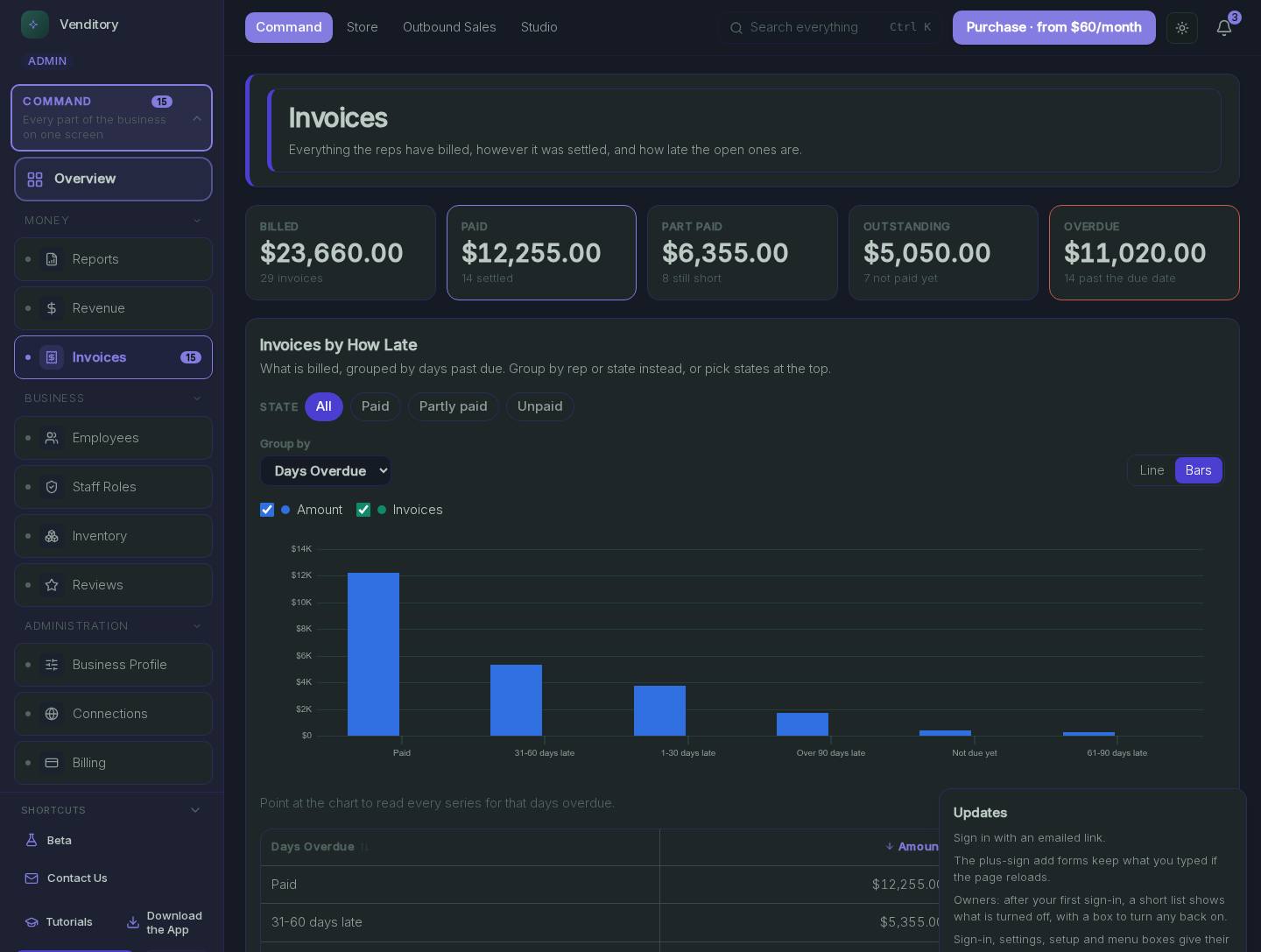
- Invoices, in the menu on the left: Open your invoices from here.
- Invoices: Every invoice, its terms and whether it is paid. Late ones are flagged.
Employees
People and what they can see.
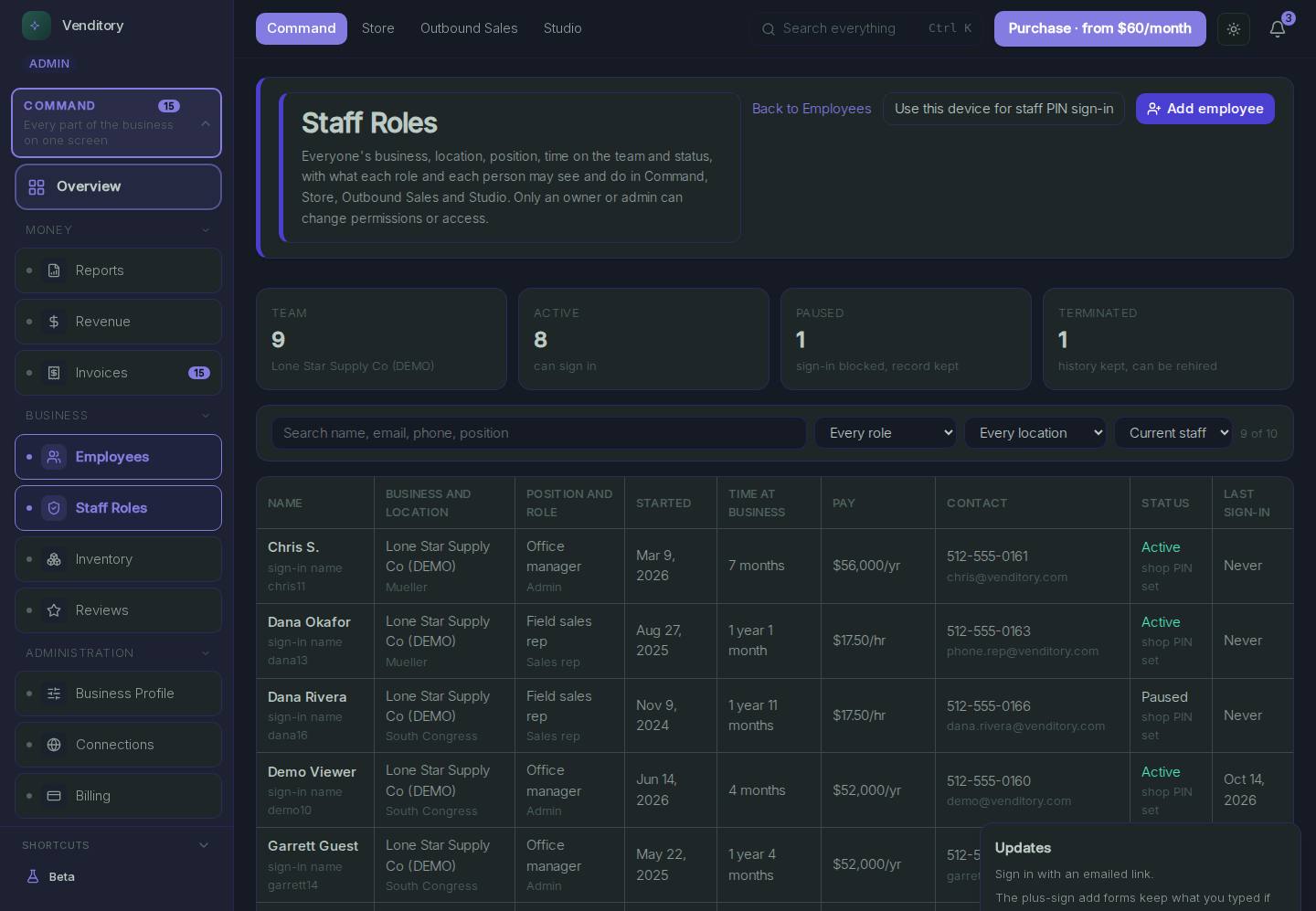
- Employees, in the menu on the left: Your whole team, in one list.
- Employees: Each person's role decides which screens they can open.
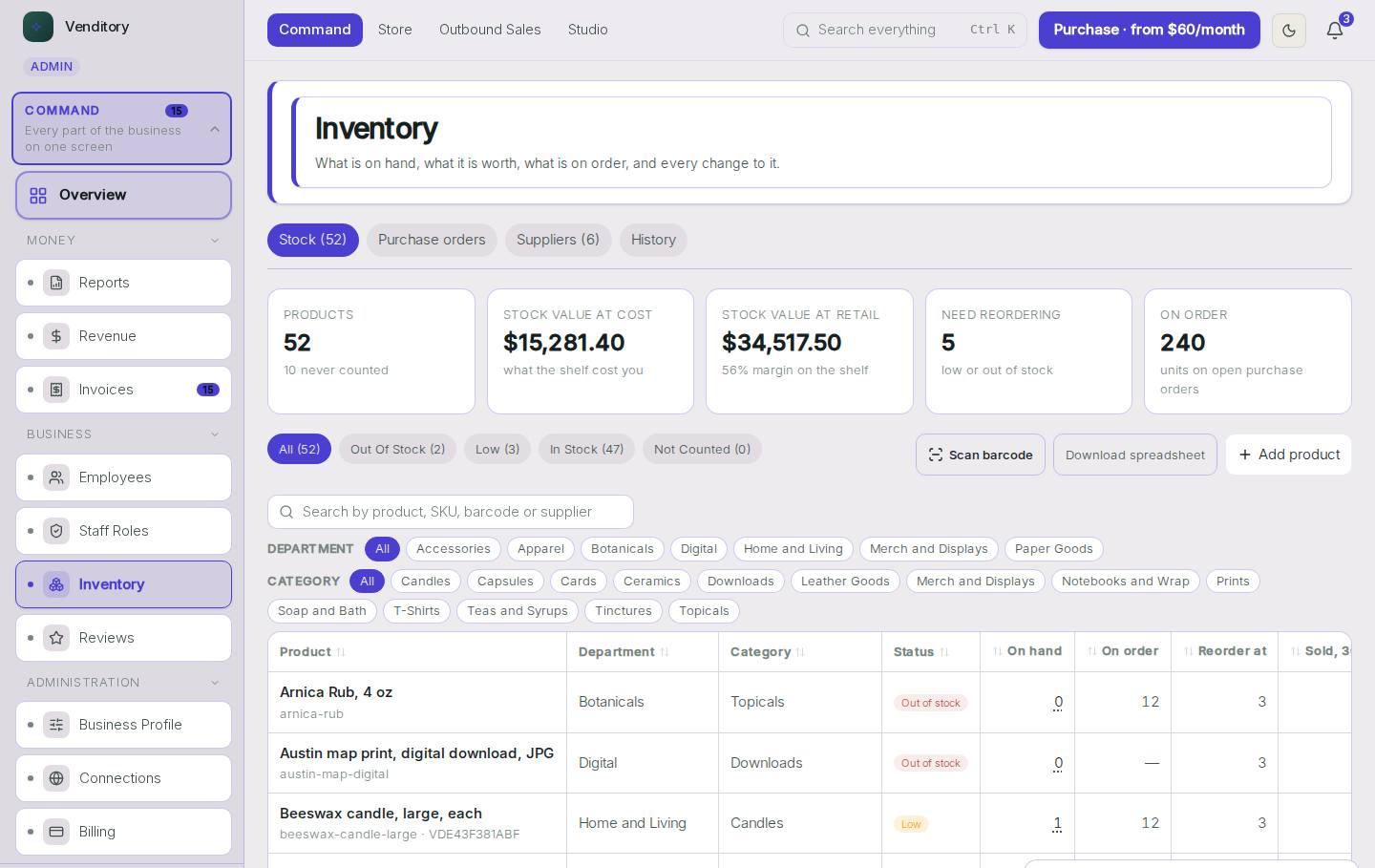
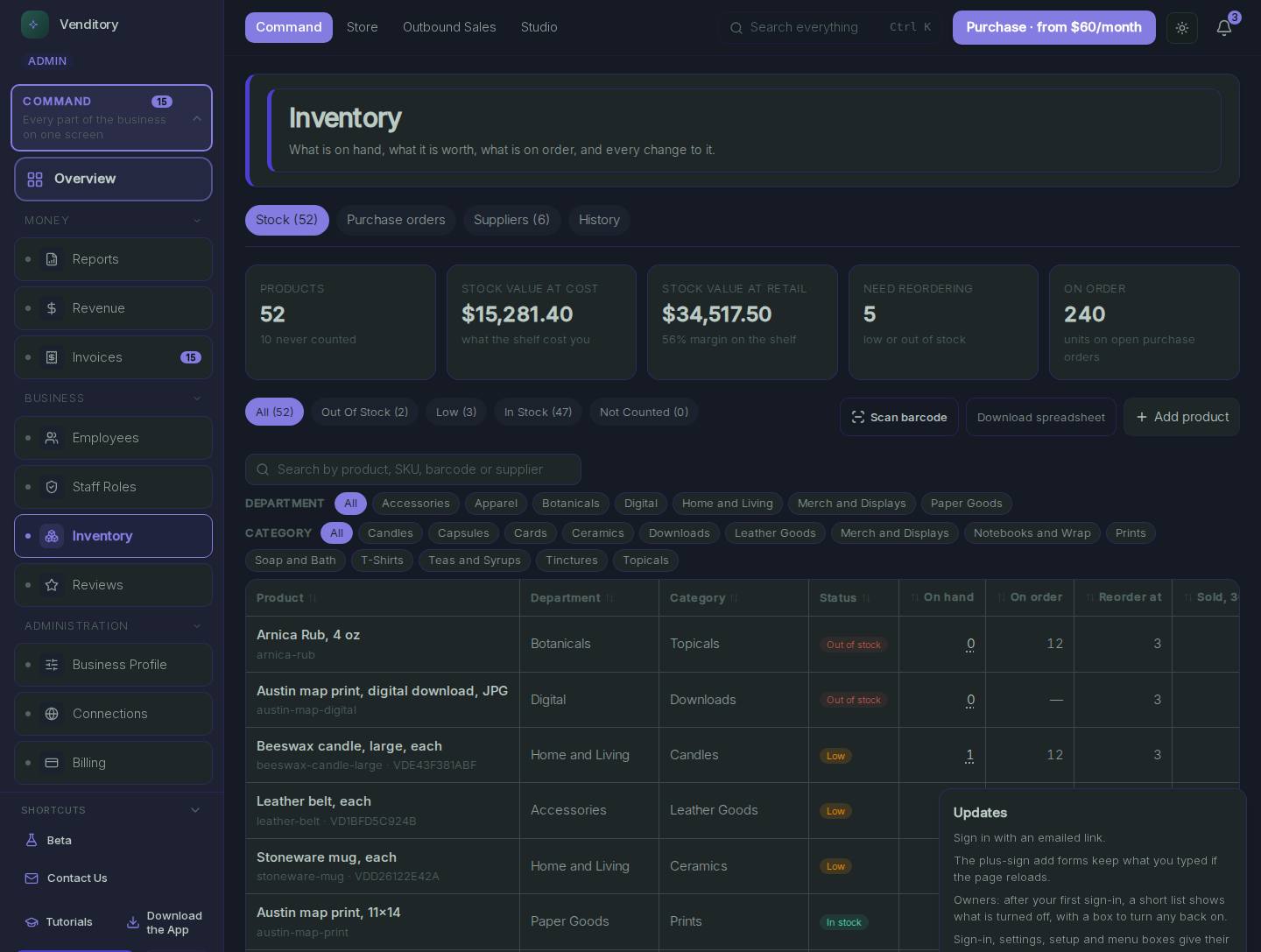
Inventory
Stock across every place you sell.
- Inventory, in the menu on the left: Stock for the whole business.
- Inventory: Every item, counted once, wherever it is sold.
Business Profile
Name, hours, address and brand.
- Business Profile, in the menu on the left: Set this up once.
- Business Profile: Every product uses these details, so a change here reaches all of them.
Every screen in Command: Money
- Reports: Sales breakdowns, money owed, expenses and tax for any date range
- Revenue: Revenue by channel: in store, online and from sales reps
- Invoices: Create, send and track invoices, and see what is still owed
- Commissions: Commission earned by each rep, order by order
Every screen in Command: Business
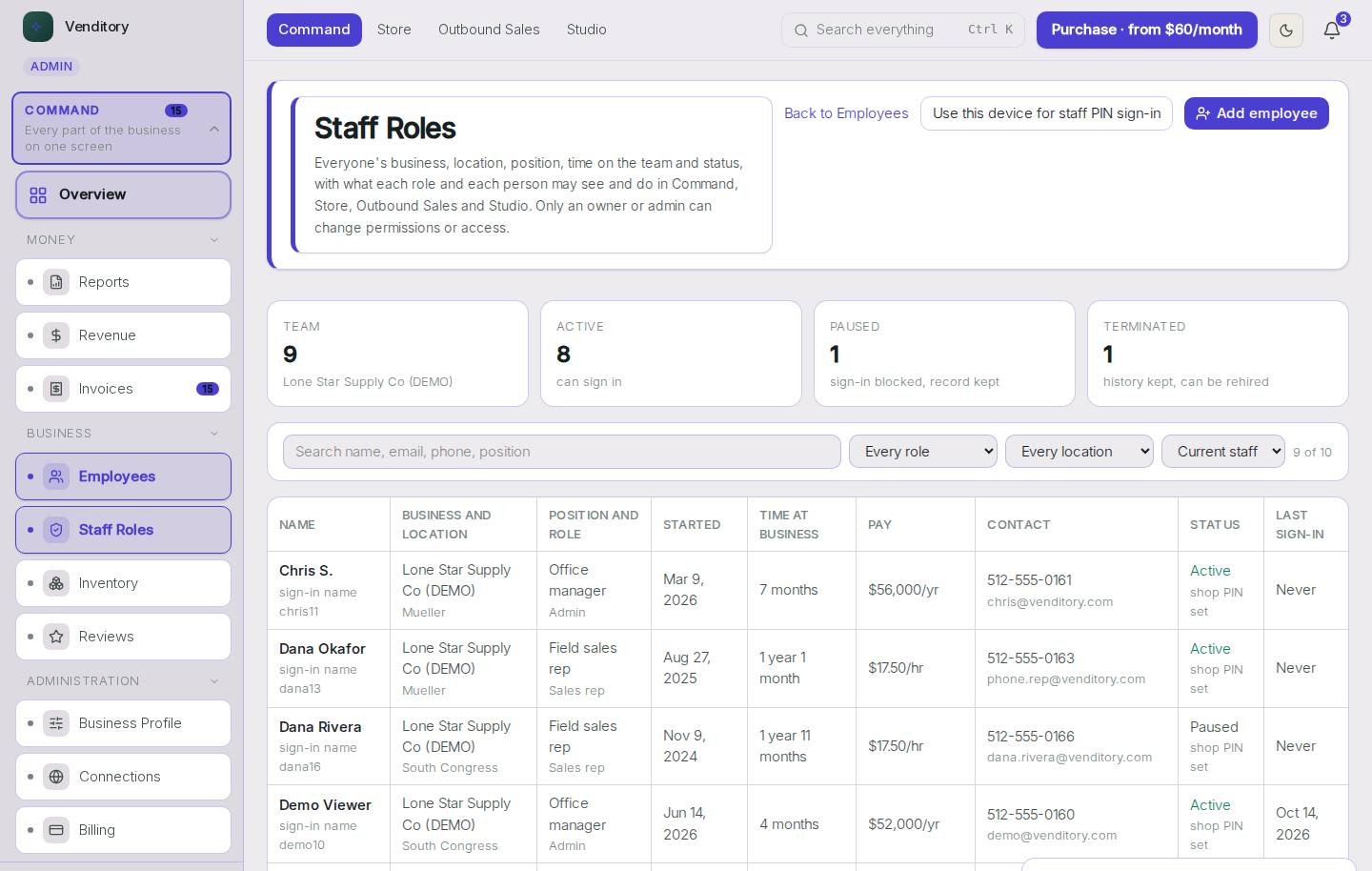
- Employees: Staff accounts, each with its own login
- Staff Roles: Give each person a role and see exactly what each role may do
- Inventory: Stock levels, deliveries received, counts and the history of every change
- Contracts: Start a contract from a template, edit the costs and terms, and send it by email
- Reviews: Customer reviews, the monthly rating, replies and review requests
- Chargebacks: Card payments a customer's bank took back, each with the exact sale, and a daily alert for new ones
- Goals: Revenue goals, each shown against real sales
- Plans: Plans with steps, a status and a due date
Every screen in Command: Administration
- Business Profile: The business name, locations and details every product uses
- Connections: Connect Shopify, WooCommerce or a Lovable website
- Billing: The Venditory plan, billing term and payment history
- Settings: Settings for the whole business
- Audit Log: A record of who changed what, and when
- Feedback: Feedback sent from inside the products
Questions about Command
- Ask the assistant at the bottom right of this page about Command
- Write to support about Command